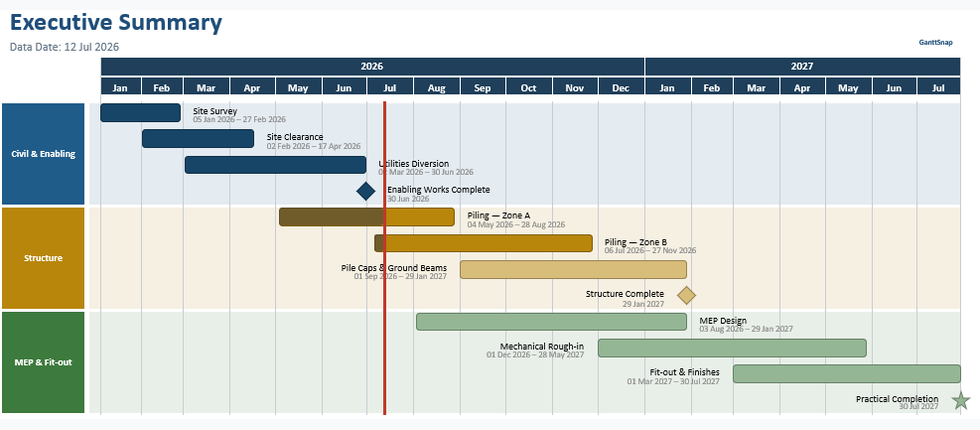
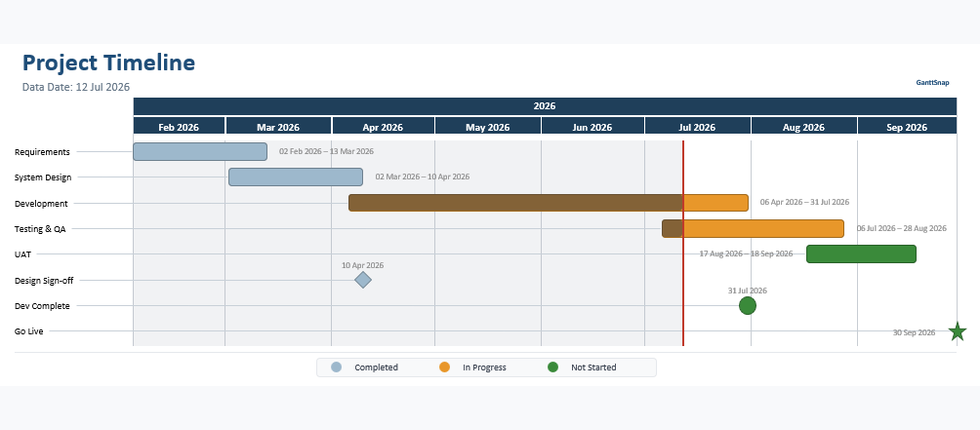
Import your schedule export and get a polished, professional Gantt chart slide — in seconds. No manual formatting. No wasted hours.
More hours went into formatting slides than into managing the actual schedule. Eventually, I just built something to fix that.
No PowerPoint formatting skills required. GanttSnap does the heavy lifting.
Choose a template that fits your audience — Executive Summary, Detailed Schedule, or Milestone Plan.
Import from Excel, or build it in seconds with our simple, editable table.
Polished and ready, with advanced options if you want to fine-tune the details.
The features that matter. Nothing that doesn't.
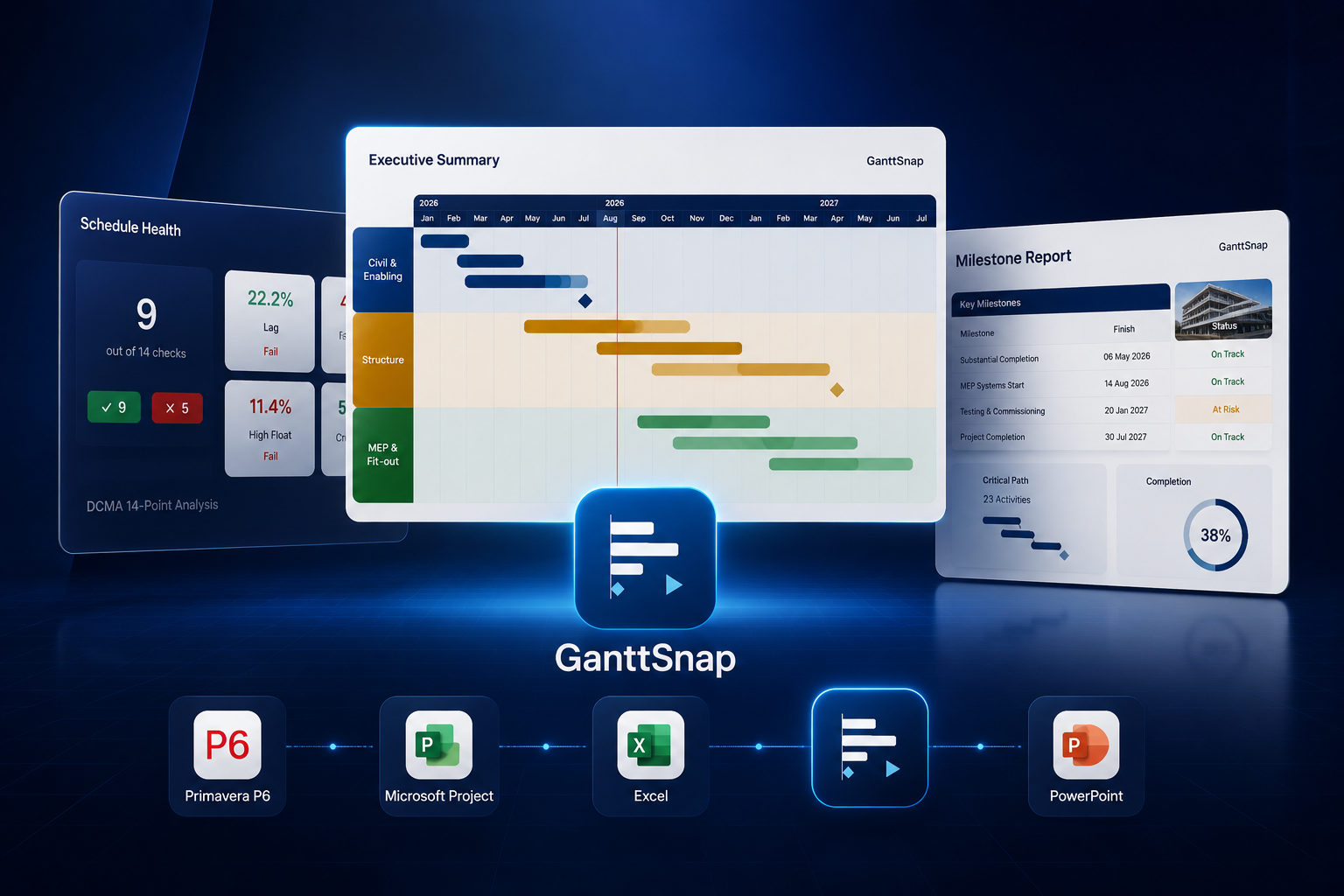
Import directly from Primavera P6 XER or MS Project XML — activities, relationships, WBS, progress, and data date all parsed automatically.
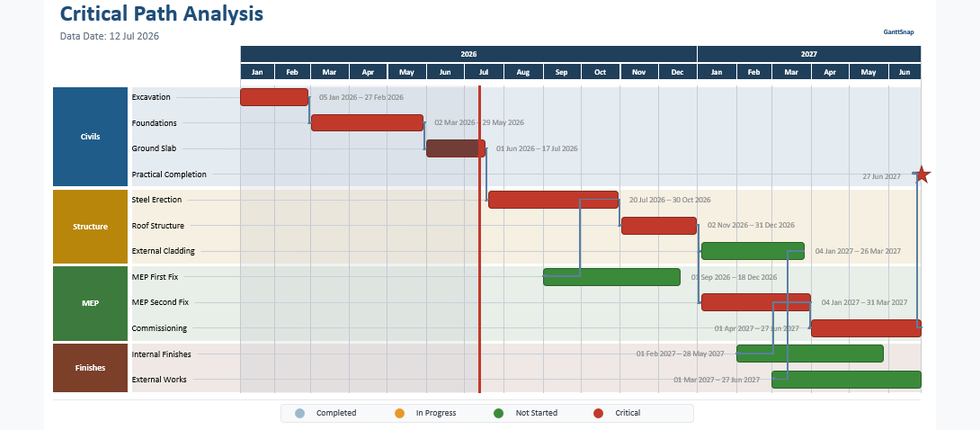
AdvancedCritical activities highlighted in red with logic links drawn as connector lines — exactly as your P6 schedule defines them.
AdvancedAutomated schedule health assessment with a full PowerPoint dashboard — 14 checks, pass/fail indicators, score panel, and Excel export report. The only PowerPoint add-in that does this.
AdvancedReads standard schedule exports directly. Supports multi-sheet workbooks with a built-in sheet picker.
Groups activities by WBS with color-coded swimlane panels automatically — just like your source schedule.
Redrawing replaces only GanttSnap shapes — your other slide content, text boxes, and images stay untouched.
If you've ever spent an afternoon formatting a Gantt chart in PowerPoint, GanttSnap is for you.
Produce boardroom-ready schedule slides for steering committees and client reviews — without touching a single shape in PowerPoint. Pick a template, load your data, and present with confidence.
Whether you're managing a construction programme or an IT rollout, your stakeholders need a clear, visual schedule — not a spreadsheet. GanttSnap turns your project data into professional swimlane Gantt slides that communicate progress at a glance.
Swimlanes, WBS groups, milestones, and progress indicators — built for complex, multi-phase projects.
Import directly from Primavera P6 XER or MS Project XML files and generate accurate, data-driven Gantt slides without reformatting. Progress, data date, critical path, and float — all reflected automatically from your source data, every reporting cycle.
Advanced tier: P6 XER import, critical path visualization, DCMA schedule analysis fields.
Start free. Upgrade when you need more.
Start free — no credit card needed. Upgrade to Advanced when you need more.
Secure payment via Stripe · Cancel anytime